Match the beads you own
Choose Perler, Hama, Artkal, Nabbi, or MARD. You can also convert using only colors you already have.
Free. No sign-up. Works in your browser.
Turn any image into a Perler bead pattern in seconds. Upload a photo, character, or logo for a quick conversion, or start from a blank canvas and create your own design with a complete set of editing tools.
Paint
Free Perler bead patterns
Check the bead count and Perler colors, download the PDF, or open a pattern in the editor to change its colors.
See every bead color, board break, and material count before you start placing beads.
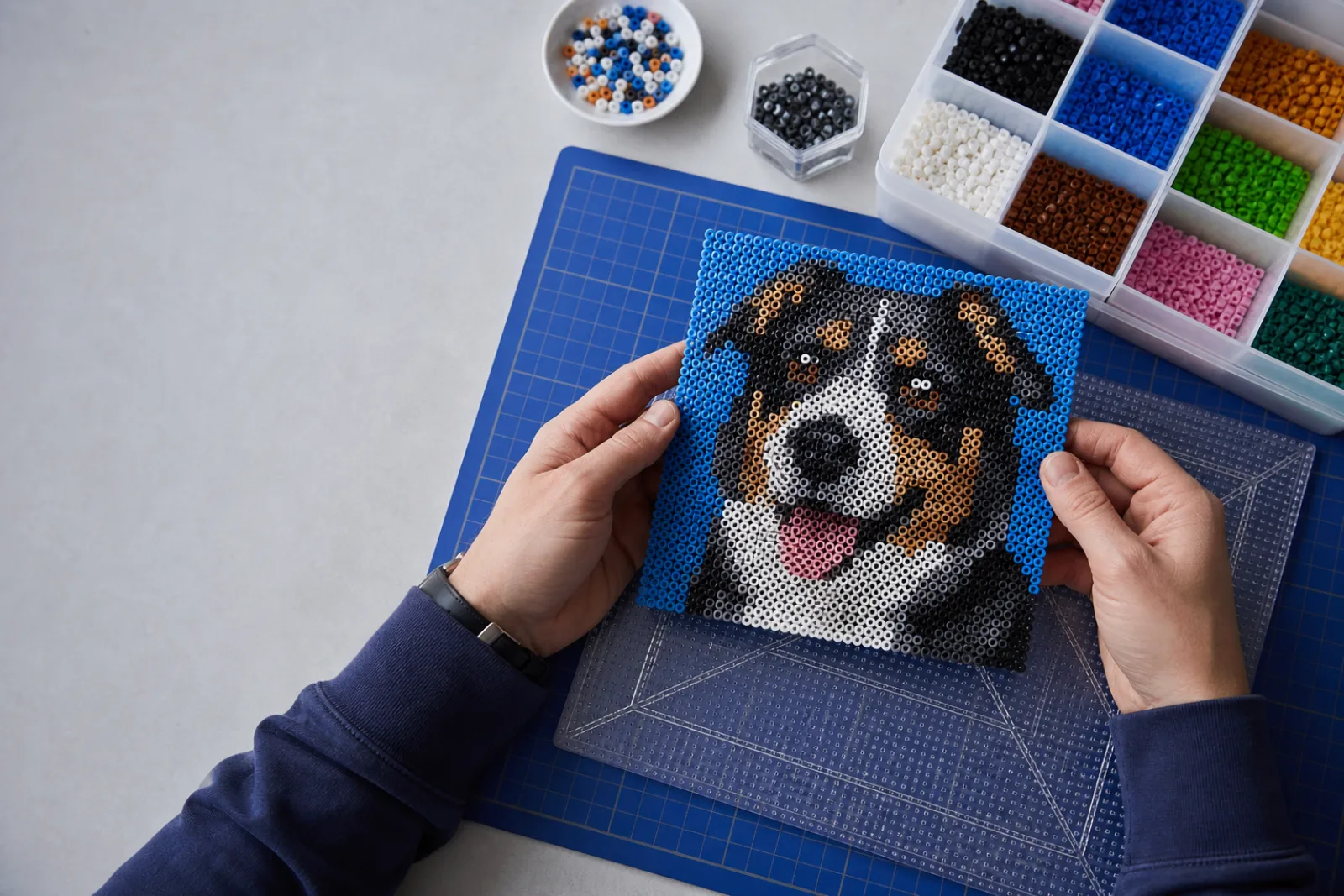
Choose Perler, Hama, Artkal, Nabbi, or MARD. You can also convert using only colors you already have.
Paint, erase, fill, pick, or replace colors. Undo and redo keep experiments safe.
Export a multi-board PDF, then mark beads as you place them. Progress stays in this browser.
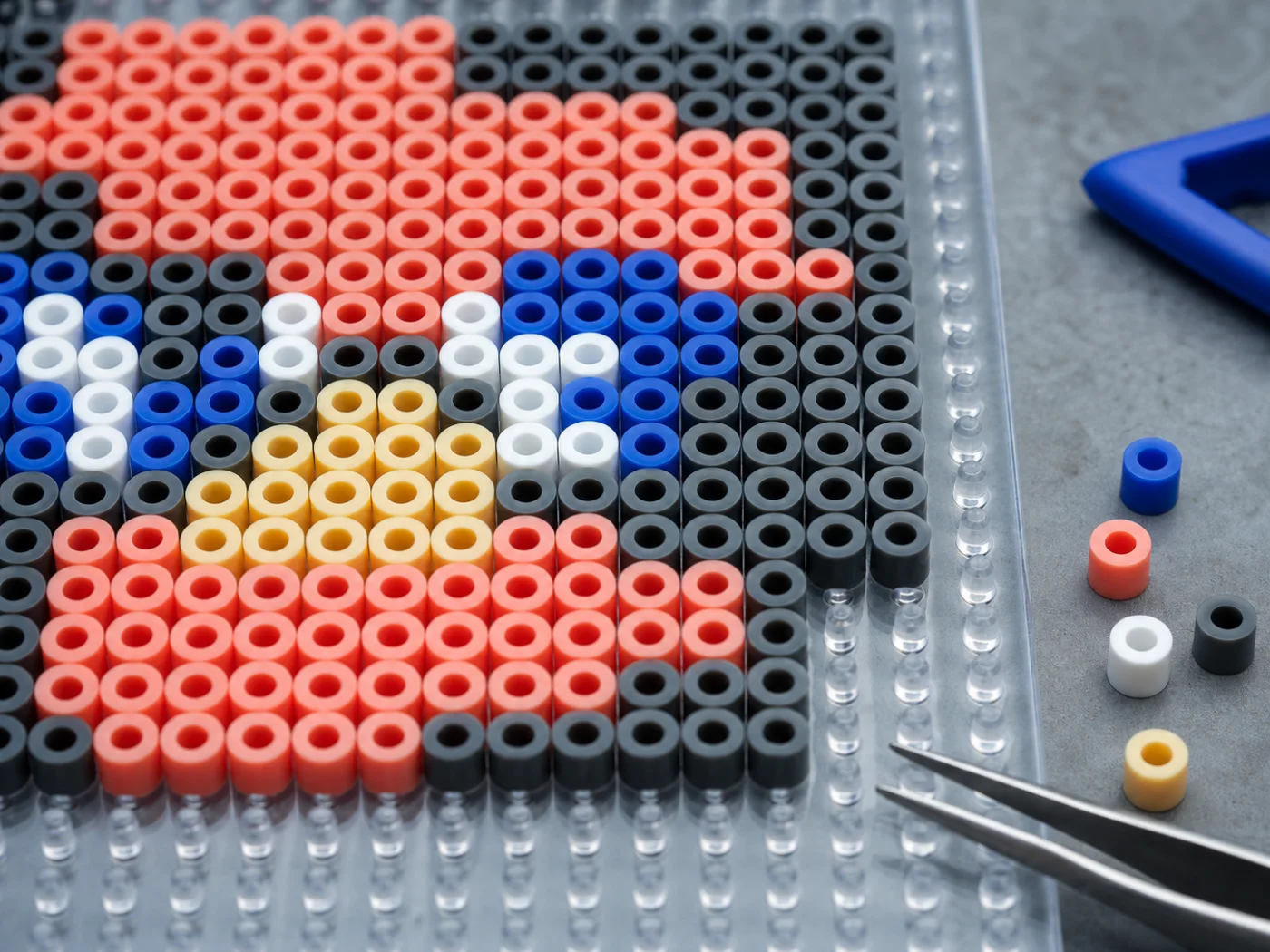
See the color code and bead count for every color before you start sorting beads.
Start with the defaults and adjust after the first preview.
Use a photo, drawing, logo, or pixel art file.
Choose a bead brand, then use the slider to set a width from 16–120 beads. It starts at 80.
Clean up the grid, check the bead count, then download PNG, PDF, CSV, or JSON.
Straight answers about images, bead colors, sizes, privacy, and downloads.
Start with the default settings. You can change the brand, size, and colors after the first preview.